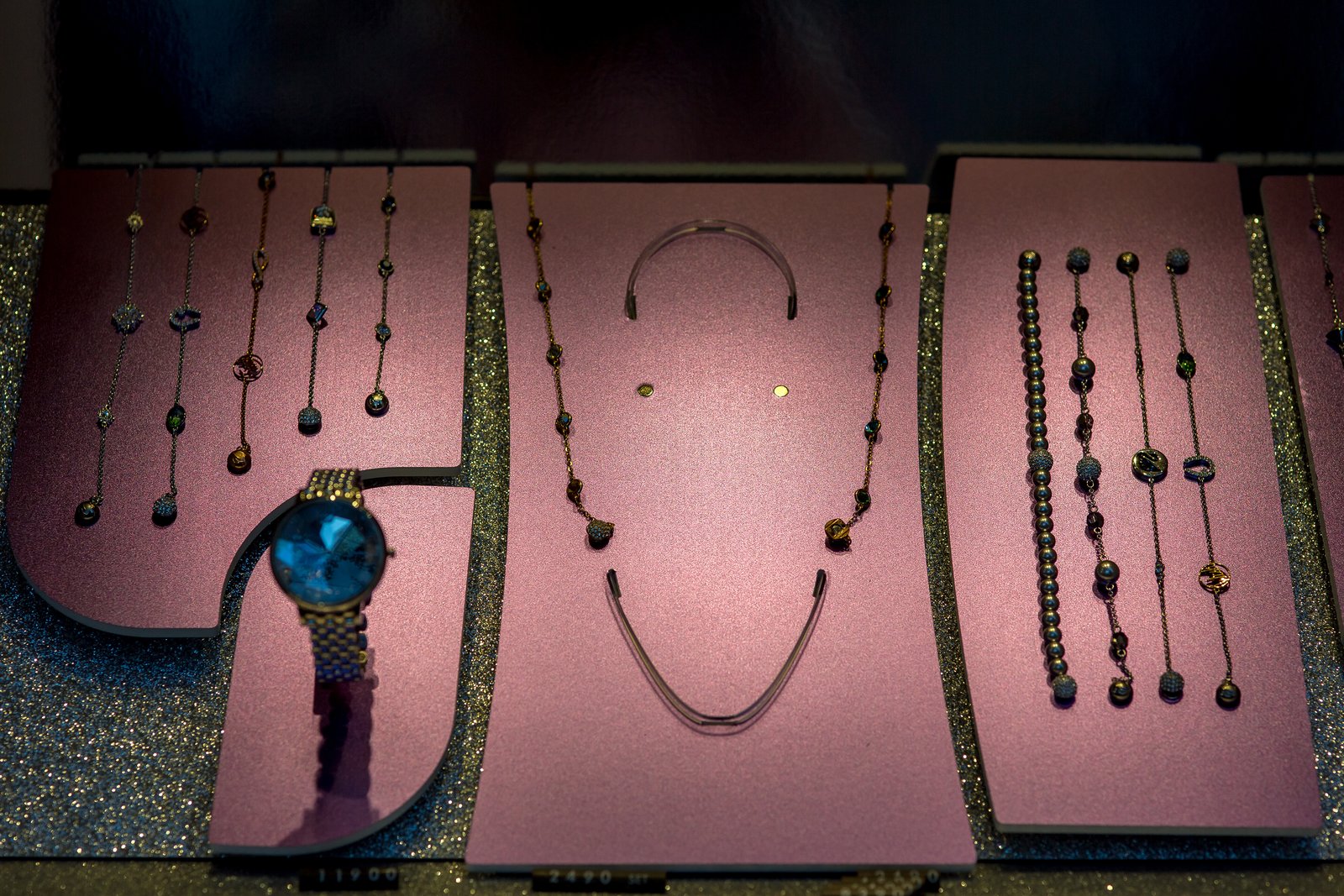
Why Your Jewelry Photos Look Dull (And the Lighting Fix That Changes Everything)
The Specific Problem With Photographing Small Shiny Things
My mom used to sell handmade earrings on Etsy. She’d photograph them on a piece of white printer paper under her kitchen light, upload the blurry, yellow-tinted images, and wonder why nobody was clicking. The earrings were genuinely beautiful. Delicate gold wire, freshwater pearls, the kind of thing you’d stop at a craft fair to pick up. But the photos made them look like costume jewelry from a gas station.
I rebuilt her entire photography setup in a Saturday afternoon. Within three months, her sales had tripled. Nothing else changed. Same products, same price point, same Etsy SEO. Just different light.
Jewelry is the most unforgiving product category in e-commerce photography because it punishes every mistake. A slightly soft focus reads as cheap. The wrong light direction kills sparkle entirely. A color cast makes silver look grey and gold look brown. When everything goes wrong at once, a $200 pair of earrings photographs like a $12 one. Understanding why this happens is more useful than any list of tips.
What’s Actually Happening When Jewelry Looks Flat
Metal and gemstones are specular surfaces. They don’t scatter light the way a cotton t-shirt or a wooden bowl does. Instead, they reflect the light source almost directly back at the camera, which means what you’re actually photographing is a reflection of your lighting environment. Large, diffused light sources create broad, gradual highlights that give metal its dimensional quality. Small, harsh light sources create tiny, intense hot spots that blow out and look cheap.
This is why shooting jewelry near a window on an overcast day often produces better results than shooting under an overhead LED bulb, even if the bulb seems brighter. The overcast sky turns your entire window into a massive softbox. The light wraps around the piece from a wide angle, filling in shadows and creating smooth transitions across curved surfaces. The LED bulb is a point source, so you get one harsh reflection and everything else goes dark.
The physics applies at every scale. A small ring is not just a small object. It’s a curved mirror, and your lighting setup is what it’s reflecting. Set your scene accordingly.
The Setup That Actually Works (With Numbers)
For studio-style jewelry shots, I use a two-light setup with a ratio of roughly 3:1. The key light is a 24-inch softbox positioned at about 45 degrees to the left of the product and slightly above it, maybe 18 inches away from the subject. The fill light is a smaller 12-inch softbox at 45 degrees from the right, pulled back to about 30 inches to reduce its intensity. That spread creates dimensionality without killing the specular highlights.
For camera settings, I shoot at f/11 minimum for jewelry because depth of field is critical when your subject is only two inches tall. A ring photographed at f/5.6 will have the front in focus and the back in soft blur, which reads as a technical error to the customer even if they can’t name why. I use ISO 100 to keep noise low, which means my shutter speed drops, which means a tripod is not optional. Even at a desk, use a remote shutter release or your camera’s two-second timer to eliminate vibration.
File format: RAW, always. JPEG compresses the tonal data you need to lift shadows and correct color in post without degrading image quality. For final delivery to an e-commerce platform, I export as sRGB JPEG at 2000 pixels on the longest side, which hits the sweet spot between visual quality and fast page load times.
The Background and Surface Decision
White sweep backgrounds are the standard for marketplace listings on Amazon and most Etsy storefronts, but they create a problem for silver jewelry specifically. Pure silver against a pure white background loses contrast and looks washed out. I use a very light grey card stock, around 10-15% grey, for silver and platinum pieces. It gives the metal something to push against visually without making the background look dirty.
For gold tones, warm off-white or cream works well. For rose gold, try a blush or pale mauve surface. The goal is not to be creative with the background; it’s to create just enough contrast that the metal reads as its actual color.
Surface texture matters too. Glossy acrylic risers photograph rings and pendants beautifully because the reflection beneath the product adds depth. Matte velvet is better for items you want to appear soft and wearable rather than fine-jewelry precious. I keep both on hand and decide based on the price point and brand aesthetic of whoever I’m shooting for.
When Everything Is Correct and the Photo Still Looks Wrong
I once spent an hour troubleshooting a set of silver chain necklaces that kept photographing with a slight blue cast no matter what I did. I’d set my white balance manually against a grey card. My lights were both daylight-balanced at 5500K. The cast persisted. Eventually I realized the problem was a light blue poster on the wall behind me, about six feet away. It was bouncing color back into my setup. I turned the poster around and the problem disappeared in thirty seconds.
This is the part of product photography nobody talks about enough: your whole room is part of your lighting setup. Colored walls, windows at odd angles, even what you’re wearing if you’re working close to a reflective surface can contaminate your image. I work in a corner of my kitchen cleared of anything colorful specifically because of incidents like this. The lightbox I keep on my counter looks ridiculous to anyone who comes over for dinner, but it stays.
Jewelry photography rewards obsessive attention to the things that seem too small to matter. Color accuracy and sharpness are not finishing touches. They’re the whole product, because in e-commerce, the photo is the product until it arrives at someone’s door. Get the light right, and everything else becomes much easier to solve.