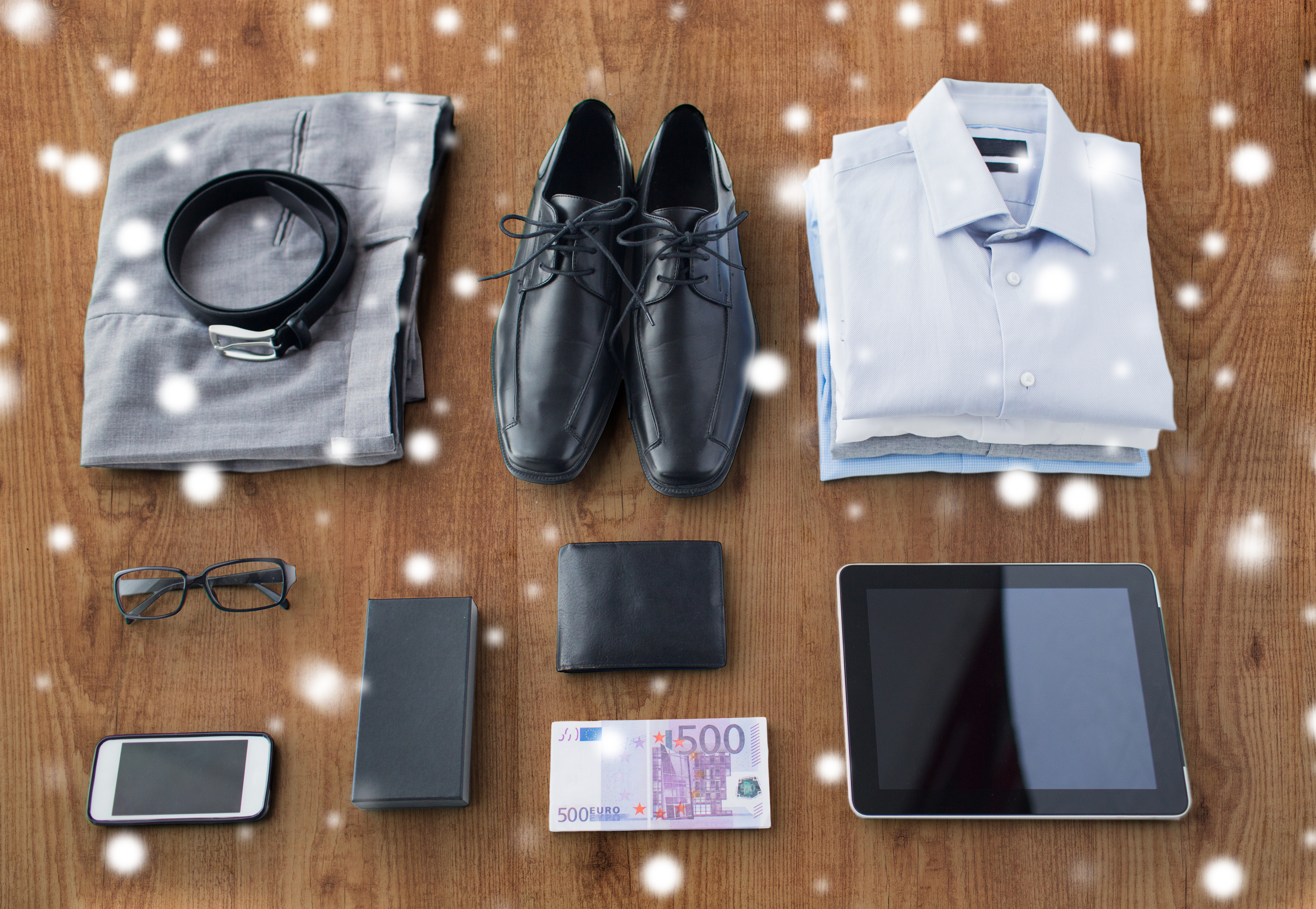
Why Your Clothing Flat Lays Look Wrinkled and Lifeless (And the Exact Fix)
A few years ago, a friend launched an Etsy shop selling hand-dyed linen blouses. The product was genuinely beautiful. The photos were not. She shot everything on her bedroom floor with her phone, fabric bunched up in the corners, shadows cutting across the chest, the whole composition slightly tilted. Six months in, she had made four sales. When she showed me the shop, I spent about thirty seconds looking at the photos and knew exactly what was wrong. The product wasn’t the problem. The images were doing the opposite of what product photos are supposed to do: they were creating doubt instead of desire. I helped her reshoot everything in an afternoon, and her sales picked up within the week. That afternoon is part of why I started teaching this stuff.
Clothing flat lays are deceptively hard. A coffee mug can sit still. Fabric moves, wrinkles, and fights you. Most people treat the flat lay as a simple task, point the camera down and snap, and then wonder why the result looks like a pile of laundry instead of a product worth buying.
The Real Problem Is Light Direction, Not Light Quantity
The instinct when photos look dark or flat is to add more light. But with clothing flat lays, the issue is almost never the amount of light. It is the angle.
Direct overhead light from a single source, like a ring light mounted straight above the garment, flattens texture completely. Knit fabric starts to look like painted cardboard. Linen loses its weave. Denim loses its structure. What you want is soft, diffused light coming from one side at roughly a 45-degree angle to the surface of the fabric. This rakes across the textile and makes the texture visible without creating harsh shadows.
My go-to indoor setup for clothing: one large softbox (I use a 24x36 inch Neewer softbox, around $60) positioned to the left of the flat lay surface at about 45 degrees, and a white foam core board on the right side as a bounce reflector. That bounce fills the shadows without eliminating them entirely. The result is dimensional light that reads as premium even on a budget garment.
Building the Surface and the Composition Before the Camera Comes Out
The camera is the last thing I reach for. Before that, I spend time on the surface and the styling, because those two things account for about 70 percent of the final image quality.
Surface matters more than most people think. Matte white seamless paper is my first choice for most clothing. It does not compete with the product, it reflects light evenly, and it edits cleanly in post. Textured backgrounds, wood, marble, linen, add mood but they also add visual noise. Use them intentionally for lifestyle branding, not as a default.
For the garment itself: steam everything. Not iron, steam. An iron can leave marks and flatten the fabric in ways that look wrong on camera. A handheld steamer (the Conair Turbo Extremesteam is about $30 and I have gone through three of them) gets wrinkles out without compressing the fiber. Then use tape or small clips hidden underneath to control the edges and corners of the garment. Fabric that looks casually placed is usually heavily engineered.
Composition-wise, I work in a 4:5 ratio for most e-commerce clothing because it fits Instagram, most marketplace product pages, and Shopify theme grids without cropping. I shoot tethered to Lightroom when I can so I am seeing the image at full size in real time, not squinting at a 3-inch screen.
Camera Settings That Actually Translate to Sharp, Clean Files
Shoot in RAW. Always. JPEG from a mirrorless or DSLR compresses color information in ways that destroy subtle fabric tones, especially in dark navy, forest green, or blush pink. RAW gives you the full data to work with in post.
For a static flat lay, I shoot at f/8, ISO 100, and let the shutter speed adjust to the light. F/8 gives you enough depth of field that the entire garment is in focus from the collar to the hem, which matters when you are shooting from directly overhead with a wide lens. I use a 24-70mm lens and shoot at the 50mm end to avoid distortion. Anything wider and you will get barrel distortion at the edges that makes straight hems look curved.
Shutter speed should be set to whatever keeps your ISO at 100. On a tripod with a cable release, you can shoot at 1/30 or even 1/15 without blur. Tripod use is non-negotiable for overhead shots. Even a minor camera shake at that angle produces soft images that do not hold up at the sizes e-commerce platforms use.
Post-Processing: Where Color Accuracy Lives or Dies
The single most common mistake in post-processing clothing images is overcooling the white balance to make images look “clean.” Cold white balance shifts warm tones toward gray and can make a blush pink look like a light beige. Buyers return products when the color does not match what they saw online. That is not a minor issue. It is a conversion and refund problem.
I always include a gray card in my first frame of each session, set a custom white balance from that, and then sync it across every image in that batch. In Lightroom, that takes about four clicks. From there, I bring clarity up by +15 to enhance fabric texture without making it look over-sharpened, and I use the HSL panel to check that the garment’s actual color is represented accurately before exporting.
Final export for web: sRGB color space, 2000 pixels on the long edge, quality set to 85 in Lightroom. That keeps file sizes under 1MB, which matters for page load speed, without any visible loss in quality at standard display sizes.
The difference between a clothing photo that builds confidence in a buyer and one that creates hesitation usually comes down to three feet of foam core and ten minutes with a steamer. The craft is in the preparation, not the camera.