Who's Actually on a Commercial Photography Set (And Why It Matters for Your Shoots)
When I started shooting product work seriously, I thought “going pro” just meant getting better at lighting. It took a few chaotic solo shoots, ones where I was tripping over my own cables and losing track of which card I’d backed up, before I understood that commercial photography is as much a logistics problem as a creative one. The question of who does what on set is something working photographers rarely talk about openly, which is why I kept coming back to this tutorial from Daniel Norton Photographer. Watch the full tutorial on YouTube
Daniel shoots advertising work in New York and spends a lot of this video walking through a realistic scenario: a studio shoot for a wedding dress brand, single model, controlled environment, built sets. It’s a deceptively simple brief that opens up into a thorough look at how a photographer’s team actually gets structured. Whether you’re scaling up your own product operation or trying to understand what you’d need to budget for a larger job, the breakdown he gives is genuinely useful.
What landed for me is how directly this connects to e-commerce and product work, even at smaller scales. The roles he describes don’t disappear when the shoot gets smaller. They just collapse onto fewer people, sometimes just you. Knowing what each role is supposed to do helps you notice when something isn’t getting done, and fix it.
Step 1: Start by Defining the Scope of the Job
 Photographer describing a simple studio shoot scenario
Before you think about who to hire, get specific about what the shoot actually requires. Daniel uses a single-model wedding dress shoot as his example, and the first decision point is location versus studio. His reasoning is practical: location shoots look “free” because the environment is already built, but they burn time. Setup is slower, logistics are harder, and every hour the team waits costs money. A controlled studio environment lets you pre-build sets, pre-test lighting, and start shooting faster.
Photographer describing a simple studio shoot scenario
Before you think about who to hire, get specific about what the shoot actually requires. Daniel uses a single-model wedding dress shoot as his example, and the first decision point is location versus studio. His reasoning is practical: location shoots look “free” because the environment is already built, but they burn time. Setup is slower, logistics are harder, and every hour the team waits costs money. A controlled studio environment lets you pre-build sets, pre-test lighting, and start shooting faster.
For product photography, this same logic applies. Shooting in your own controlled space, even a corner of a room with a proper backdrop, will almost always be more efficient than chasing natural light at a location. Know your shot list before anyone shows up, and design your space around it.
Step 2: Understand the Photographer’s Core Team Structure
 Overview of photographer, assistants, and digital tech roles
A commercial photographer’s team typically has three types of people working directly under the photographer: photo assistants, a first assistant, and a digital tech. These aren’t interchangeable, and understanding what each one owns helps you see why the work gets divided this way. The photographer is making creative decisions. Assistants are handling equipment physically, moving lights, flagging, adjusting stands. The digital tech is running everything that happens on the computer side.
Overview of photographer, assistants, and digital tech roles
A commercial photographer’s team typically has three types of people working directly under the photographer: photo assistants, a first assistant, and a digital tech. These aren’t interchangeable, and understanding what each one owns helps you see why the work gets divided this way. The photographer is making creative decisions. Assistants are handling equipment physically, moving lights, flagging, adjusting stands. The digital tech is running everything that happens on the computer side.
Even if you shoot alone, mentally separating these responsibilities is useful. At any given moment during a solo shoot, ask yourself: am I currently thinking like the photographer, the assistant, or the digital tech? Switching between all three constantly is exhausting and error-prone, which is exactly why teams exist.
Step 3: Know What a Digital Tech Actually Does
 Explanation of the digital tech’s role managing the computer
The digital tech is the person sitting at the computer managing the tethered capture software, usually Capture One. On an advertising shoot, you are almost never shooting untethered. Every frame is coming into a screen in near-real time, and someone needs to be watching that feed, flagging selects, and making sure nothing gets lost.
Explanation of the digital tech’s role managing the computer
The digital tech is the person sitting at the computer managing the tethered capture software, usually Capture One. On an advertising shoot, you are almost never shooting untethered. Every frame is coming into a screen in near-real time, and someone needs to be watching that feed, flagging selects, and making sure nothing gets lost.
Critically, the digital tech is also responsible for backups. This is not a casual responsibility. If files are only living in one place at the end of a commercial shoot, something has gone wrong. The standard practice is to back up to at least two separate drives on set before anyone leaves. If you’re doing solo product shoots and skipping this step, you’re carrying risk that a proper shoot never would. Get a second drive. Back up before you pack up.
Step 4: Recognize When One Person Can Double Roles
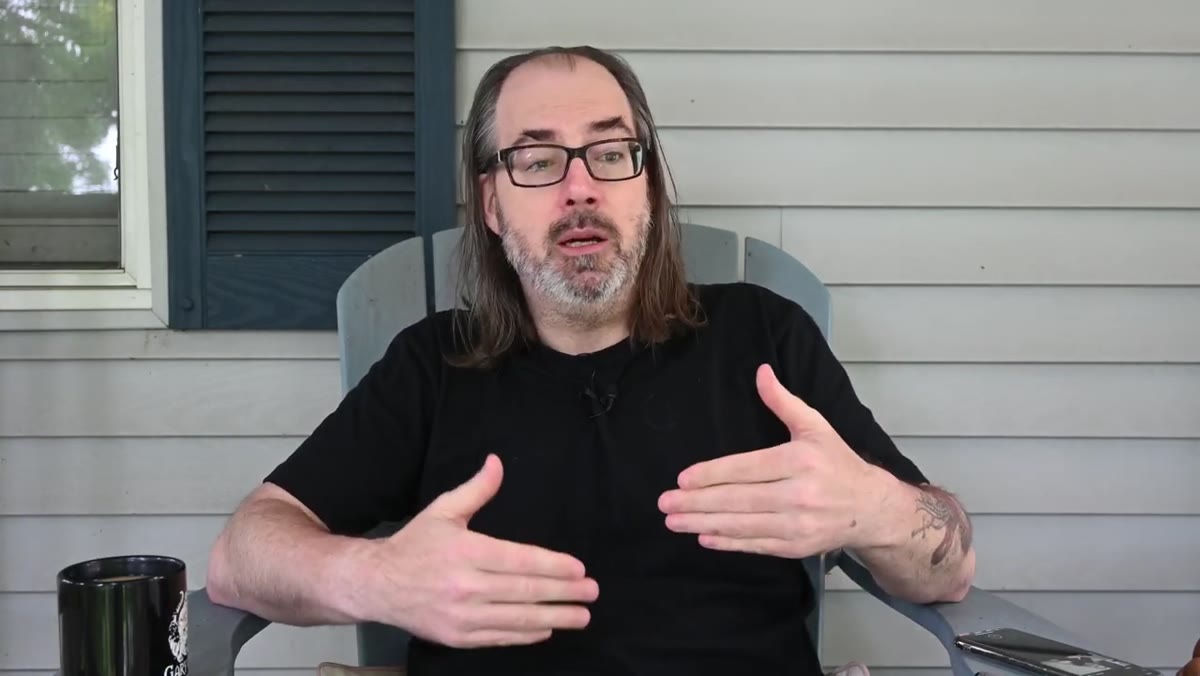 First assistant potentially doubling as digital tech
Daniel notes that on some jobs, the first assistant might also handle digital tech duties. This is common on smaller commercial shoots and almost universal in mid-size product photography. The key word is “first assistant,” meaning someone experienced enough to manage both the physical set and the computer simultaneously without either suffering.
First assistant potentially doubling as digital tech
Daniel notes that on some jobs, the first assistant might also handle digital tech duties. This is common on smaller commercial shoots and almost universal in mid-size product photography. The key word is “first assistant,” meaning someone experienced enough to manage both the physical set and the computer simultaneously without either suffering.
This doubling only works if the shoot isn’t moving fast and the lighting setup isn’t complex. If you’re constantly adjusting modifiers between frames, having your only assistant chained to a laptop creates a bottleneck. For a controlled e-commerce shoot with a locked-off camera and consistent lighting, one person can reasonably cover both. For anything faster or more dynamic, split the roles.
Step 5: Match Your Team Size to the Actual Complexity of the Shot
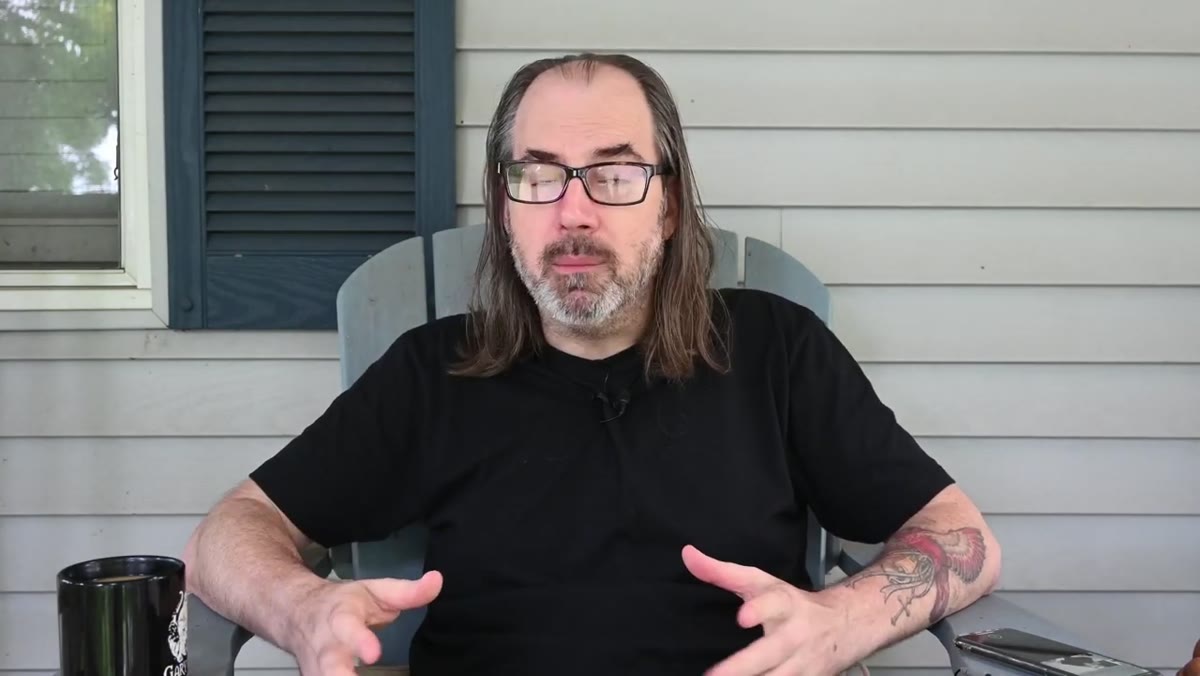 Range from solo shoots to 20-person teams described
Daniel makes a point early on that some jobs you do completely alone, and others might have twenty people working under you. Neither is inherently better. The goal is to match your team to your shot list, not to inflate it out of insecurity or strip it down out of budget pressure alone.
Range from solo shoots to 20-person teams described
Daniel makes a point early on that some jobs you do completely alone, and others might have twenty people working under you. Neither is inherently better. The goal is to match your team to your shot list, not to inflate it out of insecurity or strip it down out of budget pressure alone.
For product photographers building toward commercial work, this means being honest about what a specific job actually needs. A 40-SKU flat lay shoot with consistent props and a fixed background? Two people can run that efficiently. A shoot involving models, multiple set changes, and live client review? You need more hands, or more hours, or both. Underestimating this is how shoots go long and margins disappear.
What I’d Add from My Own Shoots
The one thing this tutorial doesn’t dig into is the pre-production work that makes the team actually function. Even when I’m shooting solo, I build a physical shot list the night before, sometimes printed, sometimes on my iPad propped up where I can see it. Every SKU, every angle, every styling note. On days when I’ve skipped that and tried to improvise, I almost always miss something or duplicate effort.
If you’re moving toward hiring even one assistant, that prep document becomes even more important. Your assistant cannot read your mind, and mid-shoot is the worst time to have a conversation about what you actually meant by “angled overhead.” The team structure Daniel describes only works when the photographer walks in knowing exactly what needs to happen. The team executes the plan. The photographer has to have one.
The biggest thing I took from this tutorial is a reframe on what “being a commercial photographer” means. It’s not just about your eye or your gear. It’s about organizing human effort efficiently around a creative goal. Even if your team is just you, that organizational thinking separates photographers who can deliver consistently from ones who are always recovering from something.
Watch the full tutorial on YouTube to hear Daniel walk through the full team structure in his own words, including details on additional roles that vary by shoot type.