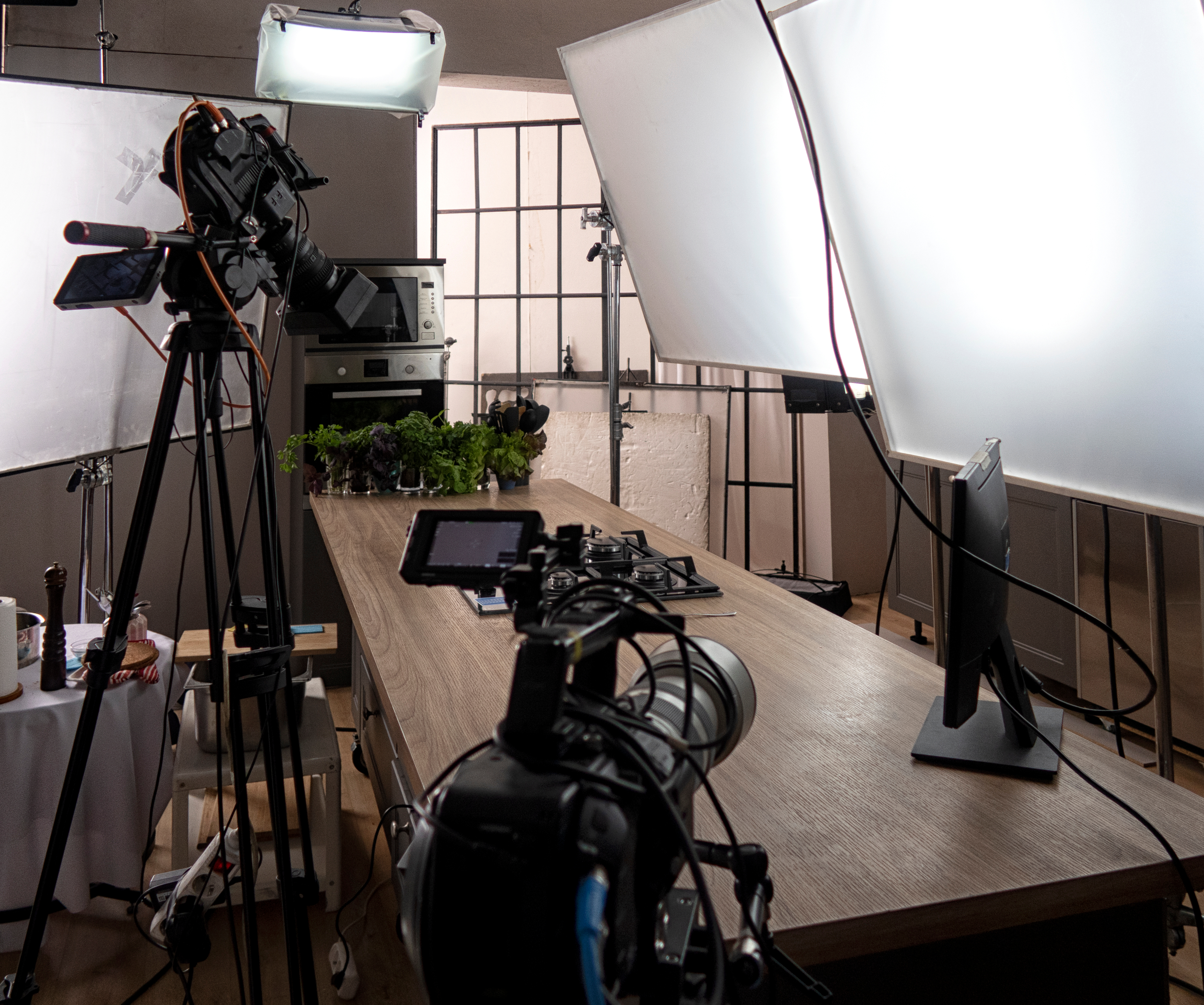
White Background Product Photography: The Technical Setup That Actually Works
White Background Product Photography: The Technical Setup That Actually Works
White backgrounds dominate e-commerce for a reason—they’re clean, professional, and they don’t compete with your product. But achieving a truly white background isn’t as simple as pointing lights at a white wall. I’ve spent years perfecting this, and I want to share the exact methods that produce marketplace-ready images every single time.
Why White Backgrounds Demand Precision
A dingy gray background won’t sell products. Platforms like Amazon and Shopify penalize images with off-white backgrounds—they literally flag them as lower quality. The difference between a 240 RGB value and pure 255 white might look invisible to your eye, but your customers notice it subconsciously. A properly executed white background signals professionalism and trust.
The challenge is that white surfaces naturally reflect light unevenly. Without careful lighting geometry, you’ll get shadows, gradients, and hot spots that require heavy post-processing to fix. I build my setup to eliminate these problems before I press the shutter.
The Three-Light Foundation
I use a consistent ratio that works across 90% of products: two backlights for the background, one main light for the product.
Backlights (Background Separation): Position two lights 45 degrees behind your product, angled at 60-70 degrees upward toward the white surface. I typically use 400-600W strobes depending on room size. These lights sit behind the product, not above it—this is crucial. They illuminate the white surface evenly without spilling directly onto your product.
Main Light (Key Light): A single softbox or octabank positioned to camera-left, roughly 45 degrees off-axis. Size matters here—I use 4-foot octabanks because they create flattering shadows while maintaining detail. Power output should be roughly 60-70% of your backlight intensity.
Exposure Settings for True White
Here’s where most photographers fail: they expose for the product and let the background fall where it may.
I do the opposite. I meter the white background first using spot metering, then adjust my ISO and aperture to place it at Zone IX (one stop below pure white). This gives the background room to breathe in post-processing without clipping.
Typical settings for me:
- ISO: 100-200 (lowest native ISO of your camera)
- Aperture: f/8 to f/11 (ensures product sharpness front-to-back)
- Shutter speed: Adjusted so background reads 250-253 RGB in-camera
The product itself will naturally sit one to two stops darker than the background in this setup, which is exactly what you want. You’ll brighten it selectively in post.
Surface Selection Matters More Than You Think
Not all white surfaces are created equal. I’ve tested dozens:
Paper backdrops: Cheapest option, but they show every fingerprint and bounce light unpredictably. Fine for one-off shoots, not sustainable.
Seamless white vinyl: My workhorse. Affordable, durable, and forgiving. The slight matte finish diffuses light beautifully. I replace mine every 12-18 months depending on use.
Plexiglass or acrylic: Superior for reflective products (jewelry, watches). The transparency creates separation naturally. Heat from strobes can warp cheaper materials—invest in quality.
Sweep surfaces: Curved white platforms that eliminate the horizon line. Overkill for most products, but essential for very small items where the surface-to-product ratio is high.
Post-Processing to Achieve Pure White
Even perfect lighting needs finishing. I always shoot RAW and use these steps:
- Adjust whites selectively using Curves in Lightroom, targeting only the background
- Lift blacks slightly so the white isn’t blown out—255, 255, 255 often photographs as dead
- Use a Levels adjustment layer in Photoshop with output levels of 245-255 for the white channel only
- Check on multiple monitors before finalizing—different displays render white differently
Test Your Setup First
Before shooting a full product catalog, photograph a gray card or white reference object with your exact lighting setup. Check the histogram and compare the result to your monitor’s white point. This 10-minute test prevents correcting 500 bad images later.
White background photography is technical, but it’s learnable. Build this setup, test it methodically, and you’ll produce images that platforms and customers trust immediately.